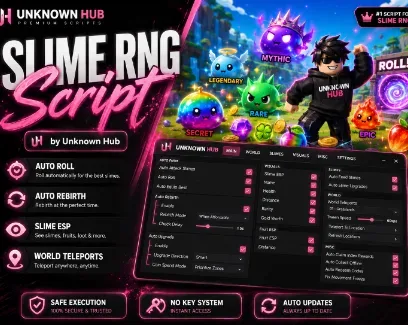
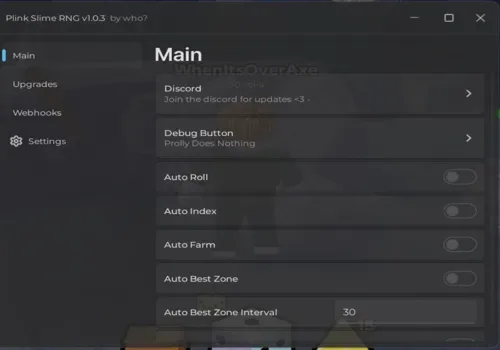
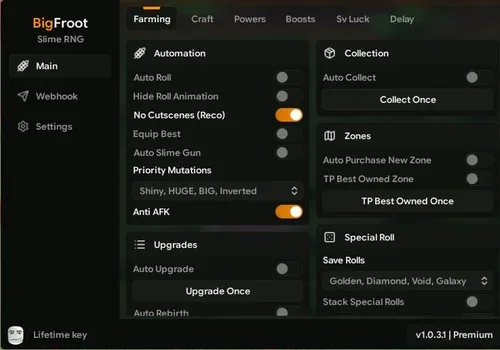
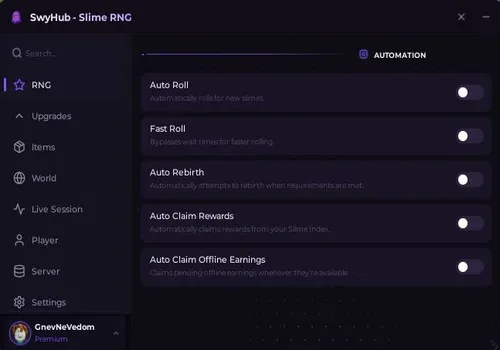
Turn every roll into a stronger slime team and push through zones without managing each step manually.Auto Roll obtains new slimes, Auto Equip Best Slime updates the active team, and Auto Attack Slimes sends them into combat. Drops are gathered through Auto Collect Fruits and Loot, while Auto Buy Better Zones continues world progression.
Main loop: roll slimes → equip the best team → defeat enemies → collect Coins and Goop → upgrade → unlock zones → rebirth.
Upgrades and Rebirth
Auto Upgrade spends Coins along the path chosen through Auto Upgrade Direction Selection. Coin Spending Mode Selection changes how the available currency is used during automatic purchases.
Auto Rebirth handles the Goop-based reset system with several controls:
Auto Rebirth Mode Selection chooses the rebirth behavior.
Rebirth Goop Reserve Adjustment keeps the selected amount of Goop unspent.
Rebirth Stop Target Adjustment stops after reaching the chosen target.
Rebirth Check Delay Adjustment controls how often the requirement is checked.
Slime Care
Auto Feed Slimes uses available food to improve the team. Transfer Slime Experience moves experience between supported slimes, while Auto Upgrade Slimes handles their regular upgrades.
Auto Save Low Health Slimes adds a separate protection routine for team members running low on health.
Boosts and Rewards
Fruit boosts and regular boosts can be activated automatically. Separate toggles are available for Luck, Ultra Luck, Currency, and Roll Speed boosts, allowing each effect to be managed independently.
The reward tools can claim Index rewards, collect offline earnings, and redeem codes included with the script. Discord Webhook Notifications sends supported roll or progression updates to the configured webhook.
Slime and Loot ESP
Slime ESP Target Selection controls which slimes are highlighted. The overlay can display their name, distance, health, rarity, and Gold worth.
Additional ESP options cover:
Nearby loot and its distance.
Fruit locations and distance.
Players with boxes, names, health, tracers, skeletons, held items, or Chams.
Chams include separate color, fill, and glow controls.
Teleports and Utility
Choose a destination through World Location Selection, then use Teleport to Selected Location with an adjustable travel speed. Player teleports work through their own refreshed player list.
Skip Tutorial removes the opening tutorial steps, while Fix Movement Freeze restores movement if the character becomes stuck after an automated action.

 Discord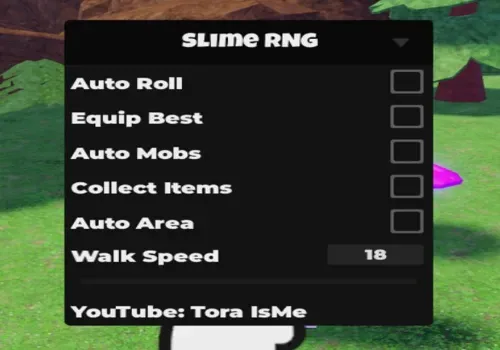



Comments
Loading comments…