Build A Boat For Treasure script: image to block conversion
Published by bebraPublished May 16
174Views
80Copies
Aug 28Updated
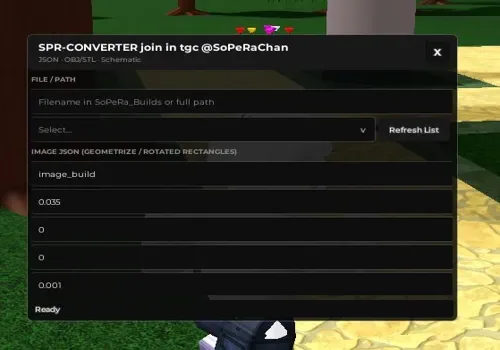
Convert Geometrize image JSON, OBJ/STL models, or schematic files into block builds. The converter worked during our check, but make sure you own enough blocks before starting.
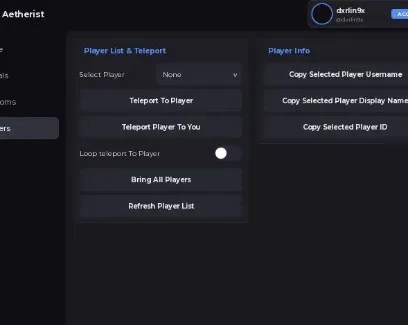
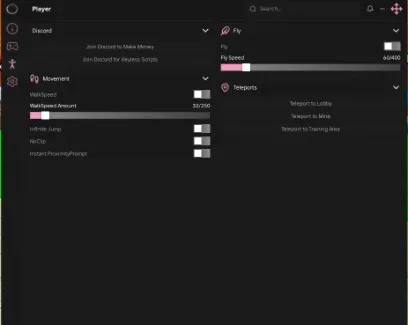
The tool works, but its interface is one long, almost completely black panel with no clear navigation hierarchy. You need to scroll until you find the section for your file type. One fun detail is that the window tilts slightly toward the direction you drag it.
Run the loader through your executor, then open its workspace folder. On PC, it is usually inside the executor folder. On mobile, open your file manager and find the executor folder there.
Move your JSON, OBJ/STL, or schematic file into workspace.
Return to the converter, press Refresh List, select the file, and scroll to the settings for its format.
Choose the material and other available options, then press the matching conversion button to create the build.
For images, prepare the conversion on Geometrize using the author's recommended settings. Click Save JSON and place the downloaded file in the same workspace folder.
Max Shapes Capcontrols the block limit. A higher value can add more detail, but it also needs more blocks and takes longer to load.
This script loads code from an external source. Review the URL and understand what it does before running it in Roblox.
https://raw.githubusercontent.com/Pedrinosop/Babft/refs/heads/main/TestConvertOpenBABFT


Comments
Loading comments…